 HyperPay
Deposit Crypto, Spend Fiat
Load USDT, BTC, ETH, or other supported assets. HyperCard converts to a spendable USD or EUR balance.
Feature
Deposit crypto, spend a converted balance at millions of merchants worldwide. No bank account, no juggling separate apps.
The wallet is downloaded from our official download page — installers for Windows, macOS, and Linux.
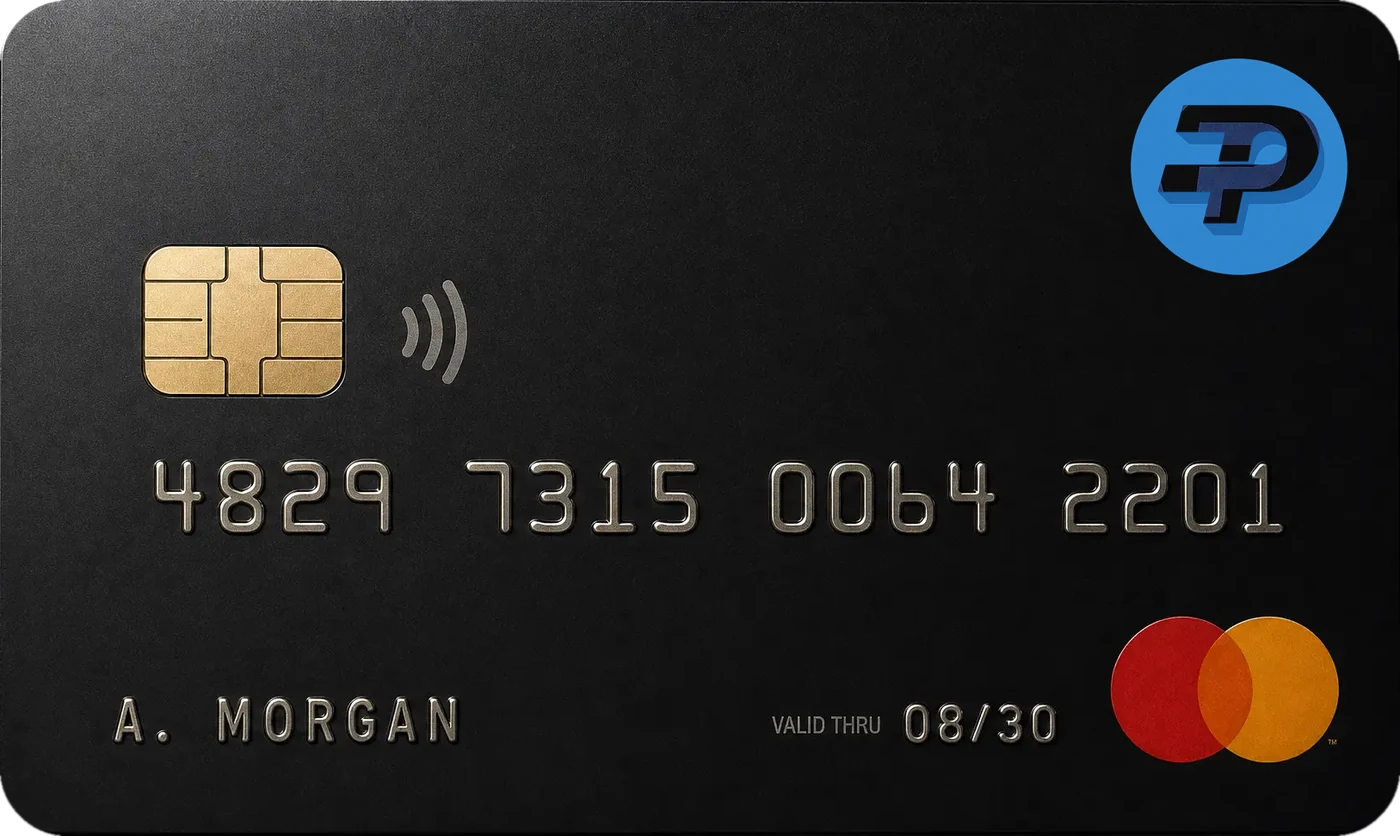
HyperCard is a prepaid crypto spending card offered within the HyperPay wallet. Users deposit crypto assets such as USDT, BTC, or ETH, which convert to a spendable USD or EUR balance. HyperCard is accepted at over 50 million merchants in more than 176 countries and works with existing card payment networks, without requiring a traditional bank account.
| HyperPay | Bitrefill | RedotPay | |
|---|---|---|---|
| Custodial + self-custody wallet included | Yes | No — gift card/topup service, no wallet | No — custodial only |
| Conversion fee (approx.) | Shown in-app before you convert | ~0-3% depending on method | ~2.2% total |
| No-KYC option | Yes | Small purchases only | No — full KYC required |
| Staking/loans in same app | Yes | No | No |
HyperCard sits inside the HyperPay wallet rather than being a separate service. You fund it from assets already held in the app, and the converted balance behaves like any other prepaid card balance at the point of sale.
There is no bank in the loop on your side: no account number, no credit check, no local banking relationship. That is the main reason people in markets with limited card access use a product like this.
HyperCard is accepted at more than 50 million merchants across 176+ countries. That is the practical difference between a card balance and a gift-card model: you are not choosing a brand in advance and buying a fixed denomination, you are simply paying with a card wherever cards work.
That includes online checkouts, subscriptions, travel bookings and in-person retail. Some categories are restricted by the issuing network — gambling and certain financial services are common exclusions on prepaid products — and the app reflects the rules for your tier and region.
A conversion fee applies when you move crypto into a spendable card balance. HyperPay publishes no single headline percentage, because the rate depends on the asset converted and the fiat currency received. The exact figure appears in the app before you confirm.
Spending limits and identity requirements depend on the card tier. A no-KYC tier is available, and higher limits require verification. Thresholds are shown when you apply, because card issuance rules differ by jurisdiction.
The card balance is part of your HyperPay account, so the same protections apply: audits by SlowMist and CertiK, operation since 2017 with no publicly reported major security incident, and custodial assets held through HyperBC's institutional custody infrastructure.
HyperPay is published by CipherBC Hyperpay Pte. Ltd. and distributed from hyperpay.dev and official app-store listings under that publisher name.
The card is one feature of a broader app; the HyperPay crypto wallet overview shows how spending sits alongside custody, swaps and staking, and the same account holds balances in self-custody wallet storage mode.
Card access starts inside the app, so download HyperPay first and complete verification from there. If you are funding the card for the first time, our guide to buying crypto with a prepaid card walks through the whole loop.