 HyperPay
Custodial or Self-Custody — You Choose
Keep it simple with custodial storage, or hold your own keys with self-custody. Same app, same account, switch anytime.
HyperPay gives you custodial simplicity or full self-custody, in the same app. Spend it in the real world with HyperCard, or put it to work with built-in staking and loans.
The wallet is downloaded from our official download page — installers for Windows, macOS, and Linux.
In brief
HyperPay is a cryptocurrency wallet offering both custodial and self-custody storage in one application, alongside HyperCard, a prepaid crypto spending card, and built-in staking and collateralized lending. The wallet has operated since 2017 and is audited by independent security firms including SlowMist and CertiK. HyperPay supports all mainstream public chains, including Bitcoin, Ethereum, BNB Chain, Tron, and Solana, and is available for Windows, macOS, and Linux, with mobile in active development.
Why people trust HyperPay
Hold it your way, spend it in the real world, and put it to work — without leaving the app.
Supported networks
Most wallets ask you to pick a side: exchange-style products hold your keys, pure self-custody products hand you a phrase and step back. Neither is right for everything a person owns.
HyperPay runs both models in one account, so custody is decided per balance: long-term holdings in self-custody, with keys stored locally under BIP32/BIP39/BIP44/BIP45, and spending money in custodial storage through HyperBC.
The gap between holding crypto and using it is where most wallets stop: convert on an exchange, withdraw to a bank, wait — assuming a bank willing to receive crypto proceeds.
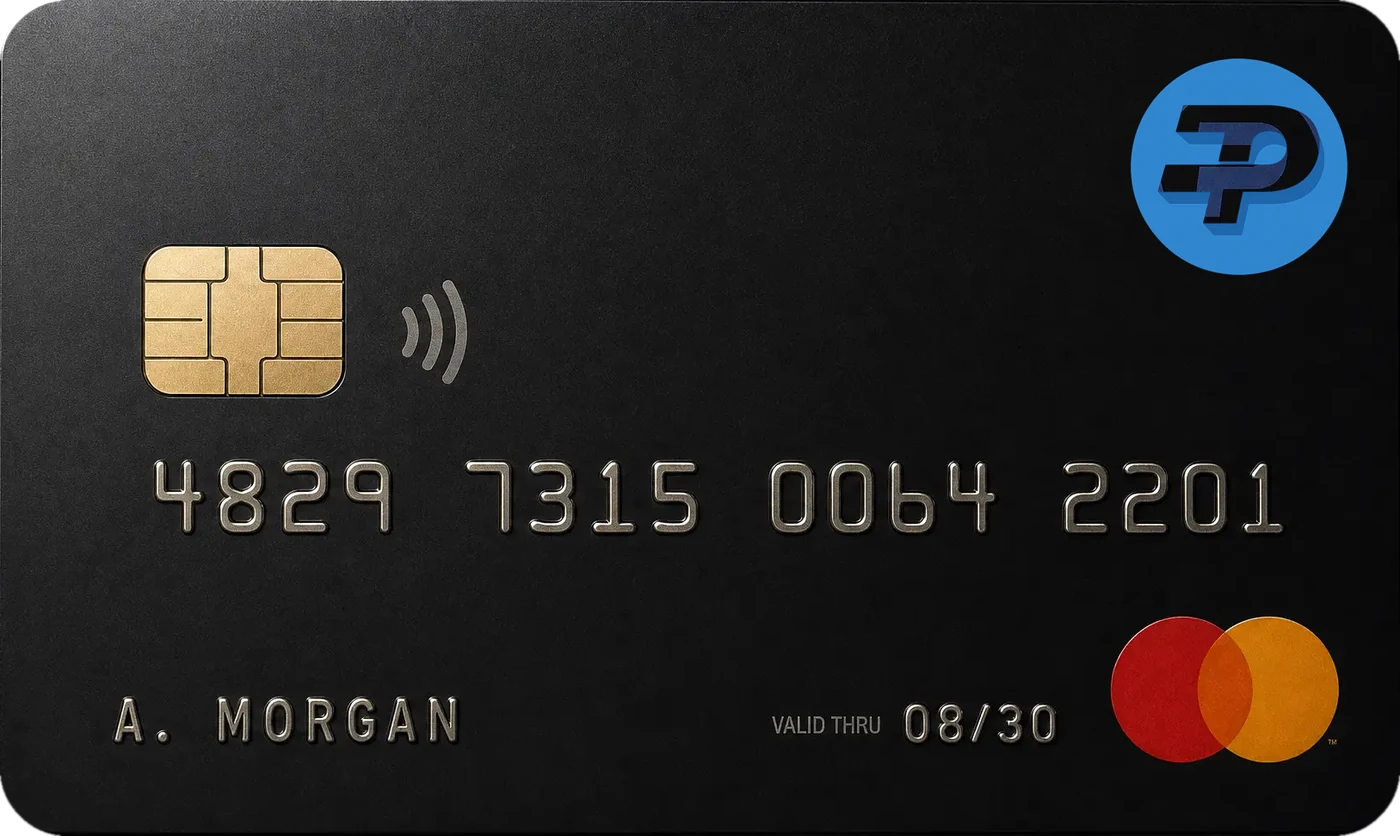
HyperCard closes that gap inside the wallet. Deposit USDT, BTC or ETH, convert to a spendable USD or EUR balance with the fee shown before you confirm, and pay at more than 50 million merchants across 176+ countries — no bank account, no credit check, and a no-KYC tier depending on card level and region.
Idle crypto can be staked on supported proof-of-stake assets: flexible terms for balances you may need soon, fixed terms for the rest. Rates depend on asset, term and network conditions, and are shown before you commit — no yield is guaranteed.
Collateralized loans cover the other case: post crypto as security, borrow against it, keep the position. Both features are explained in full on the banking page.
HyperPay has operated since 2017 with no publicly reported major security incident. Its code is audited by SlowMist and CertiK, and custodial balances are held through HyperBC's institutional custody infrastructure.
The limits are equally clear. The core app is not open source, so trust rests on named third-party audits rather than public code review. Sealer2100 is the exception: firmware under Apache 2.0, audited by CertiK and Kudelski Labs. The HyperPay security page sets out what is verifiable.
It fits long-term holders who occasionally need to spend, freelancers paid in stablecoins with no easy path to a local bank, and anyone tired of running four apps to do one job.
It fits less well if you live in EVM decentralised applications all day — a specialised wallet such as MetaMask serves that better, as the HyperPay vs. MetaMask comparison explains — or if Apple Pay is non-negotiable. If the plan is to cover everyday expenses from the wallet, our guide to living on crypto sets out what that takes in practice. Shorter answers on fees, chains and audits are collected in the HyperPay wallet FAQ. Longer explainers live in the HyperPay crypto wallet guides library.
Simple payments for tomorrow
One gateway for holding, exchanging and spending digital assets — with custodial ease or full self-custody, and a real-world card on top.
The wallet is downloaded from our official download page — installers for Windows, macOS, and Linux.
Community feedback highlights HyperPay's dual custodial/self-custody model as a rare combination in the wallet category.
One download for Windows, macOS, and Linux.
The wallet is downloaded from our official download page — installers for Windows, macOS, and Linux.